
 11
11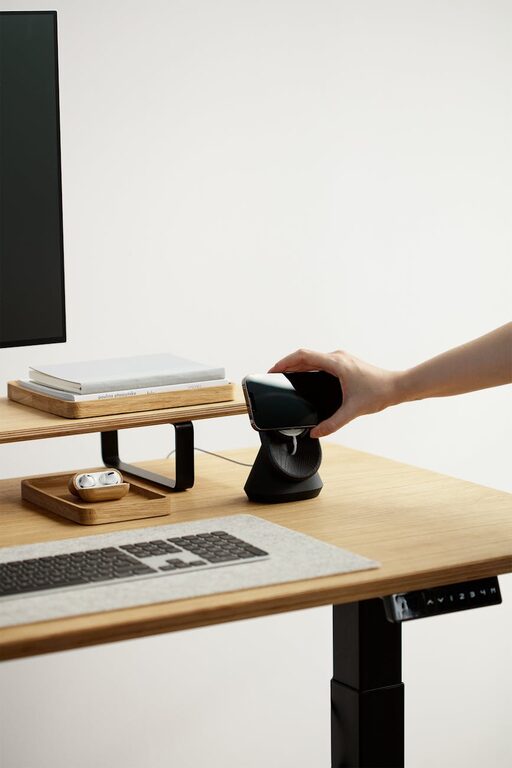
Creating a cozy and functional home workspace is essential for anyone who spends time working remotely or managing tasks from home. A well-designed space can enhance focus, improve comfort, and foster creativity. Whether you have a dedicated room or just a small corner, there are plenty of ways to optimize your workspace. In this post, we’ll explore practical tips to help you create a home office that feels inviting and supports your productivity.
Start by selecting an area in your home where you can work with minimal distractions. Ideally, this will be a quiet corner away from noisy appliances, traffic, or high-traffic household areas. If privacy is limited, consider using room dividers or curtains to create a visual boundary.
Try to set up your workspace near a window to take advantage of natural light. Sunlight can boost mood and energy levels, which contributes to better work output. However, if glare disrupts your screen visibility, add adjustable blinds or curtains.
Since you may be sitting for extended periods, invest in a chair with good lumbar support and adjustable height. Comfort reduces the risk of back pain and helps maintain good posture.
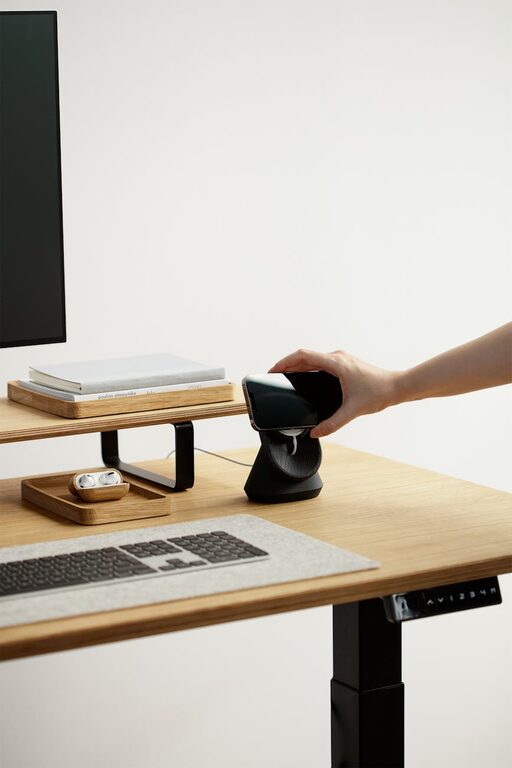
Select a desk that fits your space and work style. A larger desk can accommodate multiple monitors and documents, while a smaller, compact desk works well for light computer tasks. Adjustable desks or standing desk converters also offer flexibility, allowing you to change positions throughout the day.
Keep your workspace tidy by incorporating storage options such as shelves, drawers, or boxes. Organizers make it easier to store office supplies and paperwork, reducing clutter that can distract you.
Arrange frequently used items like pens, notebooks, and chargers close to your workspace. This reduces interruptions and helps maintain workflow.
Incorporate soft textures through items like a small throw blanket, cushions, or a rug. These elements add warmth and comfort to the space, making it more inviting.
Houseplants not only beautify your workspace but also improve air quality. Small, low-maintenance plants like succulents or pothos are great for desks.
Include artwork or photos that inspire you without overwhelming the workspace. Personal touches can boost motivation and create a positive environment.
Relying solely on overhead lighting may cause eye strain. Complement it with task lighting such as a desk lamp that can be adjusted to direct light where you need it most.
Warm white bulbs create a cozy atmosphere while reducing harshness. Avoid overly bright or blue-toned lighting, which can cause discomfort during long working hours.
Stable internet is crucial for work efficiency. Position your router close to the workspace or use a wired connection where possible.
Use cable organizers, clips, or sleeves to keep wires neat and prevent tangling. A tidy setup also reduces safety hazards.
Fresh air helps keep you alert. Open a window when possible or use a fan to circulate air.
If ventilation is limited, consider an air purifier to remove dust and allergens, contributing to a healthier environment.
Try to use your workspace only for work, if possible. This separation helps your brain associate the area with productivity.
Create a daily schedule and stick to it. Taking regular breaks away from your workspace prevents burnout.
Designing a cozy and functional home workspace is about balancing comfort with efficiency. By carefully selecting your location, investing in ergonomic furniture, organizing effectively, and personalizing your area, you create a supportive environment that enhances your workday. Remember, small adjustments can make a big difference in your overall experience working from home. Start with a few tips today, and tailor your space to suit your needs over time.