 11
11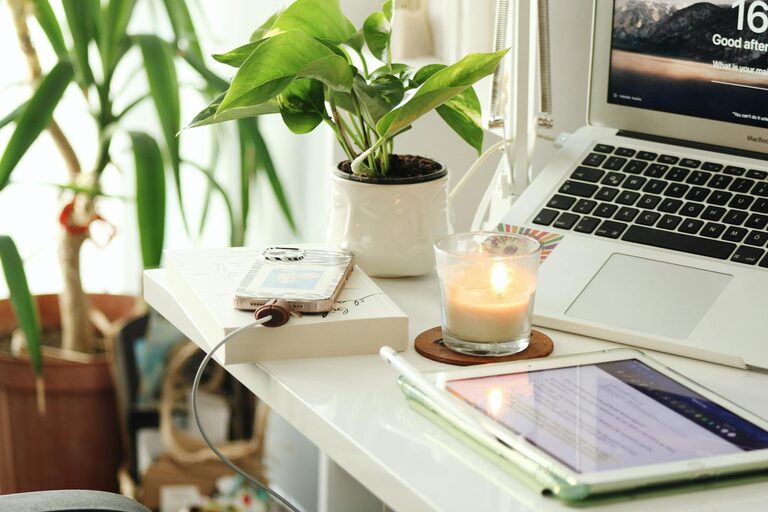
Creating a comfortable and productive home office space is essential for anyone working from home or managing tasks remotely. A well-designed workspace can improve focus, reduce stress, and make work more enjoyable. Whether you have a dedicated room or just a small corner, there are effective ways to transform your area into a functional and inviting office.
Start by selecting the best spot in your home for your office. Ideally, choose a quiet area away from distractions like TV noise or high foot traffic. A room with natural light is preferable because it helps improve mood and energy levels. If you don’t have a separate room, find a corner that you can dedicate solely to work.
Comfort is key for long hours at your desk. Investing in ergonomic furniture can prevent discomfort and injuries:
– Chair: Choose a chair that supports your lower back and allows your feet to rest flat on the floor. Adjustable height and armrests add to comfort.
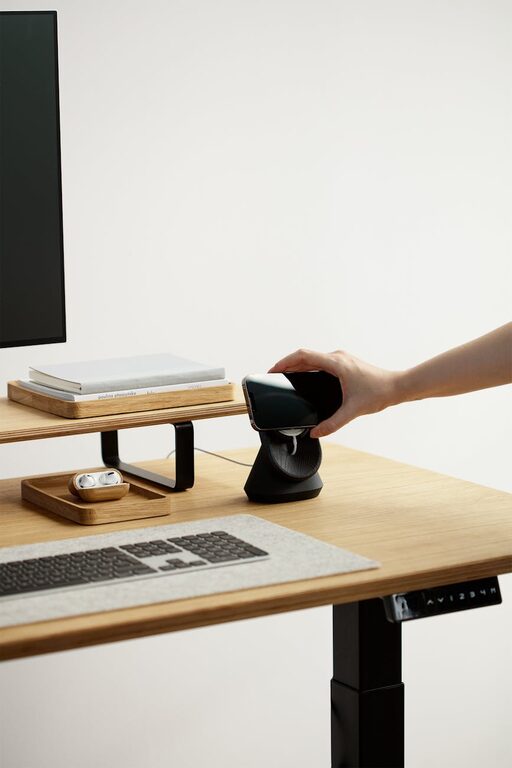
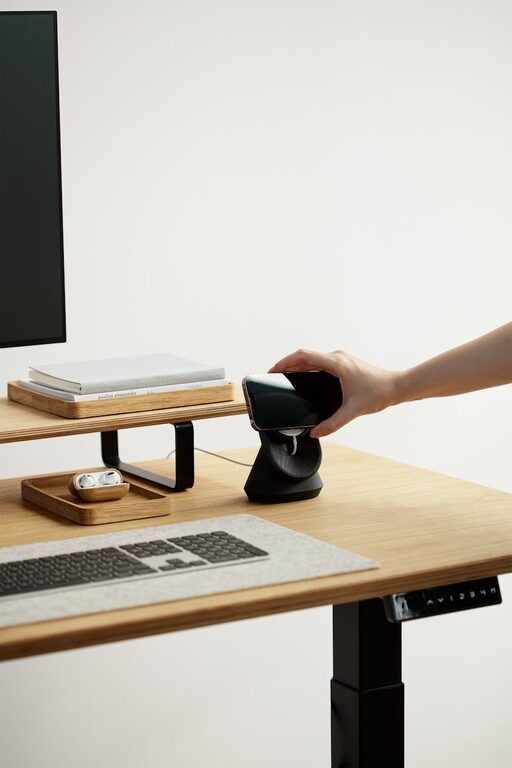
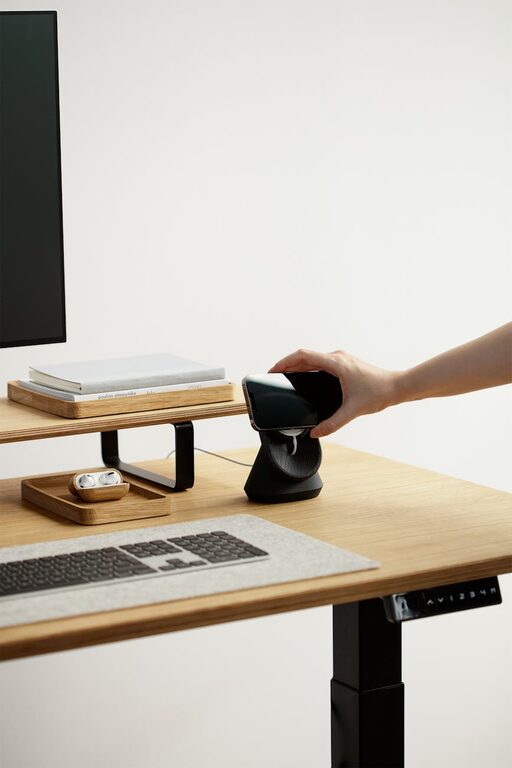
– Desk: Your desk should be at a height where your arms can rest comfortably while typing. Standing desks or adjustable desks offer flexibility to switch between sitting and standing.
– Accessories: Consider footrests, monitor stands, and keyboard trays to maintain good posture.
Clutter can be distracting and reduce productivity. Keep your workspace organized with these tips:
– Use drawers, shelves, or filing cabinets for documents and supplies.
– Utilize desk organizers or trays to keep small items tidy.
– Cable management solutions help keep cords neat and prevent tangling.
– Regularly declutter your desk at the end of each day.
Proper lighting reduces eye strain and helps maintain focus:
– Maximize natural light by positioning your desk near windows.
– Use adjustable desk lamps with soft white light for evenings or overcast days.
– Avoid harsh overhead lights that cause glare on screens.
– Consider light bulbs that mimic daylight to enhance clarity.
Adding personal touches can make your office more inviting and inspire creativity:
– Decorate with plants to improve air quality and add a relaxing atmosphere.
– Hang artwork or photos that motivate you.
– Use colors that you find soothing or energizing, like soft blues or greens.
Creating a peaceful environment is crucial for concentration:
– Use noise-canceling headphones if you can’t control external sounds.
– Consider white noise machines or apps for background sounds.
– Set clear boundaries with family members about your work time.
A dedicated workspace helps build a work routine. Here are some tips to maintain productivity:
– Set specific working hours to separate work and personal life.
– Take regular breaks to stretch and refresh your mind.
– Keep a to-do list or planner on your desk to stay organized.
Ensure your technology supports your work effectively:
– Invest in a reliable internet connection.
– Use a good quality webcam and microphone for virtual meetings.
– Organize your digital files with folders and backups to avoid data loss.
– Explore productivity apps to manage tasks and time efficiently.
Comfort includes physical environment factors such as air and temperature:
– Keep your space well-ventilated; open a window if possible.
– Use fans or heaters to regulate temperature to your preference.
– Adding indoor plants can also improve air quality.
A clean workspace promotes a clear mind:
– Wipe down surfaces regularly to reduce dust.
– Vacuum or sweep floors to maintain cleanliness.
– Avoid eating at your desk to prevent crumbs and spills.
—
By following these tips, you can create a home office that supports both your comfort and productivity. A well-planned workspace helps you stay focused and motivated, making work-from-home days more enjoyable and effective. Start with small changes and tailor your environment to what suits you best.